🖱️👆 Right Click CPS Test
Check your right click CPS test to see how many right mouse button clicks you can make per second. Perfect for gamers to test their right-click speed over 5 to 60 seconds.
Right Click CPS Test
Right-click as fast as you can inside the box below. Choose a duration, then right-click to start.
How This Right Click Test Works
This works exactly like a regular CPS (clicks per second) test, except every click is counted from the right mouse button instead of the left.
- Pick a test duration — 5, 10, 30 or 60 seconds.
- Right-click inside the box as many times as you can before time runs out.
- We count every
mousedownfrom button 2 and time it with millisecond precision. - Your right-click context menu is disabled site-wide so it never interrupts your clicking.
Gamers use right-click for a lot of things. You've got aiming down sights, blocking, secondary fire, and item use. So your right-click speed actually matters just as much as your left-click.
Here's the thing though. Most people only focus on their left-click speed and ignore the right-click completely. But if your right-click is slow or feels inconsistent, it's going to mess with your gameplay.
Check if your right-click CPS is much lower than your left-click. If it is, something's probably wrong with your button response. The easy way to figure this out is testing your mouse with the Mouse Test tool. You can also try the Double-Click Test to see if one button is lagging behind the other.
Don't ignore your right-click button. It's just as important for gaming performance as your left-click.
What is a Right Click CPS Test
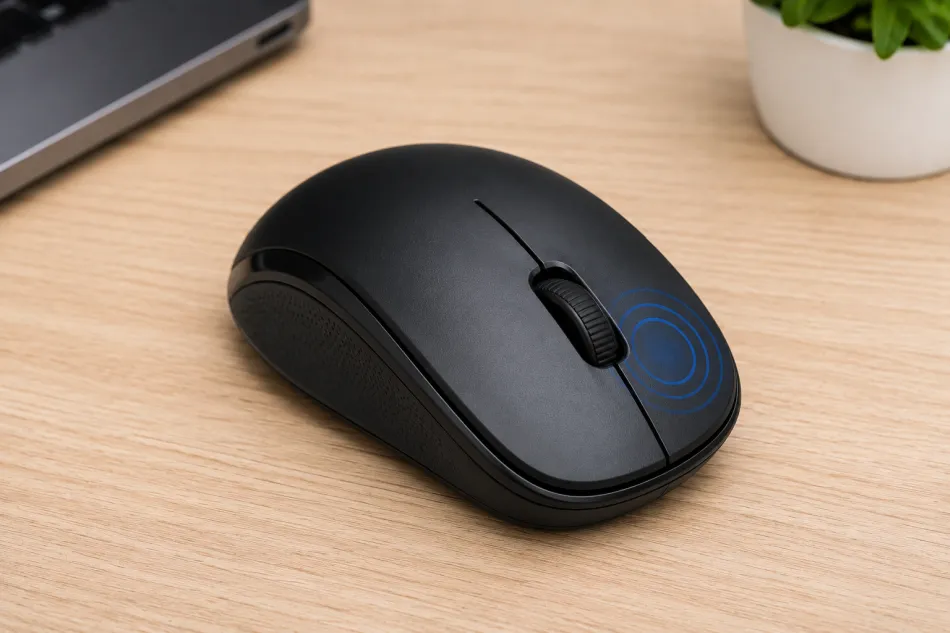
A right click CPS test measures clicks per second, but specifically for the right mouse button rather than the left. Most "CPS test" tools online only track the left button, since that's the one used for most day-to-day clicking. But the right mouse button has its own switch, its own wear pattern, and its own maximum speed — and for some games and workflows, it's the button that matters most.
The test works the same way a standard CPS test does. You pick a time window, right-click as fast as possible inside the click zone for the whole duration, and the page counts every registered right-click along the way. At the end you get your total clicks, your peak one-second CPS, and your average CPS across the full run.
It's a quick way to answer two different questions at once: how fast can you physically right-click, and is your mouse's right button keeping up with you? A sudden drop in right-click CPS compared to your usual left-click numbers can be a useful early signal that the right switch is starting to wear.
Why Test Right-Click Speed?
Right-click speed doesn't get nearly as much attention as left-click CPS, but there are real reasons to care about it:
- ✓Aim-down-sights and blocking. Many shooters and melee games map ADS, blocking, or parrying to the right mouse button. Rapidly tapping right-click can be part of advanced movement or combat techniques in some titles.
- ✓Secondary actions and item use. Building games, MOBAs, and RPGs often use right-click for a secondary fire mode, quick item use, or context-sensitive actions that reward a fast, reliable trigger finger.
- ✓Catching an uneven mouse. Some mice use different micro-switches for the left and right buttons, or the right switch simply sees less use and wears differently. A right-click CPS test can reveal an imbalance your left-click numbers alone would hide.
- ✓Diagnosing right-click chatter. Just like the left button, a worn right-button switch can start double-firing or dropping clicks. Comparing your right-click CPS and consistency over time can help you catch this early.
Tips to Improve Your Right-Click Speed
Right-click speed responds to the same techniques used for left-click CPS training — just applied to your other finger.
- Rest your finger properlyKeep your index or middle finger (whichever you use for right-click) relaxed and resting lightly on the button between clicks, rather than lifting it high each time. Small movements are faster than big ones.
- Click from the wrist, not the whole armFast, sustained clicking comes from small wrist and finger motion. Tensing your whole arm for each click will tire you out and slow you down well before the timer runs out.
- Try jitter or butterfly clicking techniqueThe same rapid-click techniques used to boost left-click CPS — vibrating a tense finger (jitter clicking) or alternating two fingers on one button (butterfly clicking) — can be applied to the right button too, though comfort and mouse shape matter more here.
- Warm up before a long testRun a short 5-second test or two before attempting your best 30 or 60-second score. Cold fingers click noticeably slower than warmed-up ones.
- Check your mouse's ergonomicsA mouse shape that puts your finger at an awkward angle over the right button will always cap your speed. If right-clicking feels physically strained, that's a hardware fit issue, not a technique problem.