🤏 Mouse Drag Test
The online mouse drag test helps users test their mouse stability, dragging accuracy, and ability to drag and drop objects smoothly. Check whether your mouse can hold a click steadily and drag smoothly, without unwanted releases. This helps spot "double-click" button chatter and worn-out switches that break drag-and-drop.
How This Test Works
Two quick tests check different parts of your left mouse button's behavior.
- Press & Hold Test: Press and hold the left mouse button inside the box for at least 3 seconds without letting go, then release.
- We watch for any moment your button registers a "release" and an immediate "press" again while you were still physically holding it down — a sign of button chatter.
- Mouse Drag & Drop Test: Click and hold the blue block, drag it into the dashed target box, then release the button.
- If the block drops before reaching the target, or the click releases mid-drag, that points to the same underlying issue — a mouse button that can't hold a steady click.
Press & Hold Test
Press and hold the left mouse button in the box below for at least 3 seconds, then release.
Mouse Drag & Drop Test
Click and hold the blue block, drag it fully into the dashed target zone, then release.
About Mouse Drag Tester
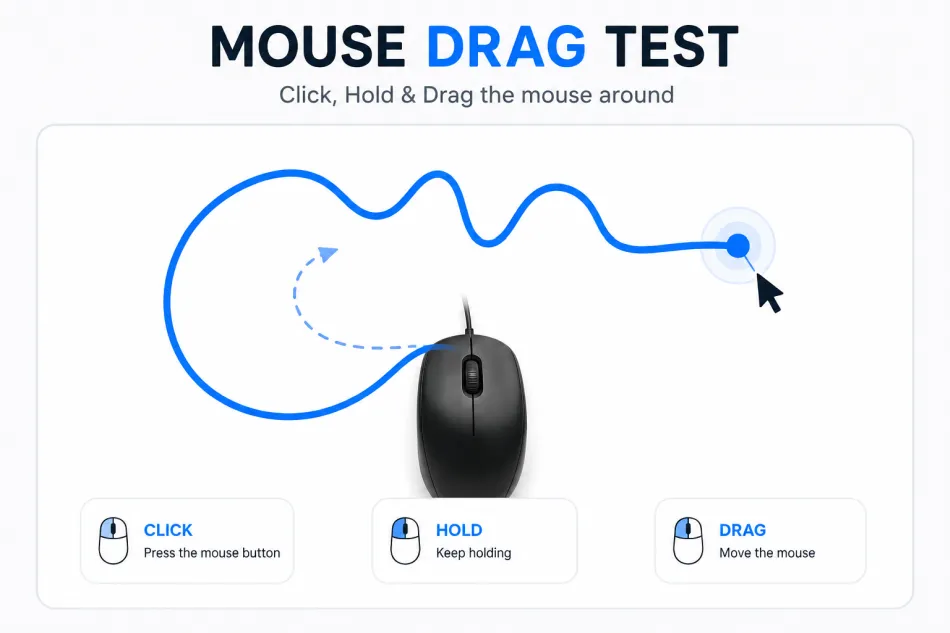 Whenever a mouse start dropping files in between a drag, people think the problem is with their hand movement and not the mouse. The Mouse Drag Tester by 123MouseTest.com is a free tool that checks if the left button can hold a click for long time and also while moving. So if you are a gamer missing drag select boxes, a designer whose objects get dropped in design software, or office user whose files fall out before reaching the folder, this tool is for you.
Now let me tell you that it does not just say yes or no about dragging. It measures how long the button stays pressed, and if a release happens faster than a real click is possible then it flags that. It also keeps count of how many drags reached the drop zone and how many dropped early. With this you can easily know if its your hand or the button, and in second case mostly a worn micro-switch is the reason which needs replacing. Since it all runs locally in browser, nothing is uploaded or stored and no installation required. It works same on Windows, macOS, Linux and Chromebooks in any modern browser.
When Should You Use Drag Clicking?
As we know that a drag clicking is useful when we need to hold down the mouse button while moving the cursor. It helps us understand how well our mouse maintains a continuous click during movement.
- ✓File and folder management — dragging files between folders, into apps, or onto upload areas without them dropping halfway.
- ✓Design and creative software — moving layers, shapes, or objects in tools like Photoshop, Figma, or CAD programs where a mid-drag drop can undo careful positioning.
- ✓Selecting multiple items — drag-selecting text, cells in a spreadsheet, or icons on the desktop, where an early release cuts the selection short.
- ✓Gaming — drag-select boxes in strategy games, item drag-and-drop in inventory systems, or any title where click-and-hold accuracy affects gameplay.
- ✓Window and UI management — resizing windows, dragging sliders, or rearranging tabs and panels without them snapping back.
- ✓Diagnosing a suspect mouse — if you've noticed any of the above going wrong, running this test tells you whether it's the mouse button itself before you replace it.
Drag Clicking Requirements
A quick checklist to make sure the results you get actually reflect your mouse hardware, not your setup.
- ✓A physical mouse with a working left-click button — trackpads and touchscreens can be tested too, but results are most meaningful for a standard mouse switch.
- ✓You need a desktop or laptop browser. Chrome works. Firefox works. Edge works. Safari works too. JavaScript must be enabled. The test relies on real-time mouse event tracking. Without JavaScript, the test cannot run.
- ✓You need desk space. You need mouse-pad room. You need to move the pointer smoothly from one side of the test box to the other. Do not lift the mouse during the drag. Lifting the mouse stops the test early. That is not what you want to measure.
- ✓No other application should capture mouse input in the background. Remote-desktop tools do this. Macro software does this. These applications distort timing results and interfere with what the test is actually measuring.
- ✓Press the button steadily. Do not tense up your finger. Rest your finger naturally on the button. That is how you normally click. That is what the test needs to measure. The test should reflect your everyday clicking. Tense clicking gives wrong results.
- ✓Run the test several times. One clean drag does not rule out an intermittent switch fault. Intermittent faults are tricky. They happen sometimes. They do not happen every time. That is why you need repeated attempts. Run it multiple times. Especially if you are chasing an occasional glitch that appears randomly.